AI agents for your content workflow
Assign research to one agent, drafts to another, and final review to a human. Each agent reads your brand voice, style guides, and past work — then delivers directly into your project board.
Brief complete: "Best CRM for Startups 2026"
Research done. 12 sources analyzed, 8 SERP competitors mapped. Brief ready for review in your project.
ChatGPT in one tab, project board in another, Goole Doc in a third. Relato puts all in the same place.
Your team juggles ChatGPT, Google Docs, a project board, and three Slack channels, email and Messenger to produce one blog post. Context gets lost, brand voice drifts, and nobody knows which draft is current.
Without Relato
- Copy-paste AI outputs into Google Docs, then into your CMS
- Track content progress in spreadsheets nobody updates
- AI has no access to your brand voice, style guides, or past content
- One AI model for everything, whether it's the right fit or not
- No record of what the AI produced or who approved it
With Relato
- AI agents write directly inside your projects and workflow stages
- Board, table, and calendar views show what's where — always current
- Agents read your Library: brand voice, templates, research, and past work
- Pick the right model per agent: Claude, GPT, Gemini, or DeepSeek
- Every agent run, edit, and approval is logged in the project
Assign tasks to AI agents like you assign to people
33 pre-built agents handle research, writing, editing, SEO, and monitoring. Click "assign," pick an agent, pick a model. The agent runs and drops output into your project. Schedule it daily or trigger it manually.
Brand context Library
Store your brand voice, style guides, content briefs, and past work. Agents read from the Library automatically — no copy-pasting context into prompts.
Projects with workflow stages
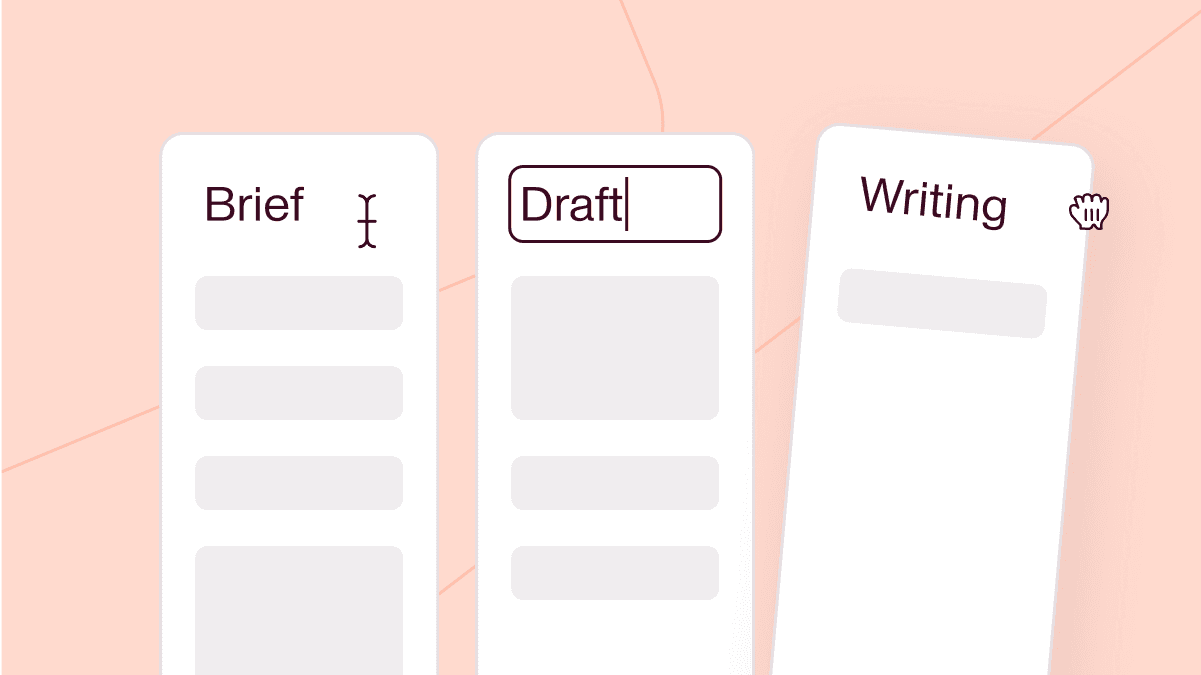
Move content through Backlog → Research → Production → Optimization → Published. Board, table, and calendar views. Assign tasks to humans or agents.
Multi-model AI
Claude, GPT-4o, Gemini, and DeepSeek. Pick the right model for each agent task. Switch models without rebuilding prompts.
Publish to WordPress, GSC, GA4
Connect your CMS and analytics. Publish directly from Relato. Pull in search console and analytics data for optimization agents.
Workflow templates
Pre-built workflows for blog posts, landing pages, social media, podcasts, YouTube videos, and SEO maintenance. Each includes stages, tasks, and suggested agents.
Agents, Library, and Workflows — working together.
Three systems that connect your team, your brand context, and AI agents into one workspace.
33 agents handle research, writing, editing, and optimization
Pick an agent, point it at a task, and let it run. The SERP Analyst pulls competitor data. The Writer drafts from your brief. The Fact Checker verifies claims against sources. Each agent reads your Library and writes directly into your project.
Replaces

33 agents handle research, writing, editing, and optimization
Pick an agent, point it at a task, and let it run. The SERP Analyst pulls competitor data. The Writer drafts from your brief. The Fact Checker verifies claims against sources. Each agent reads your Library and writes directly into your project.

Agents and humans pull from the same Library
The Library holds your brand voice docs, style guides, content briefs, research notes, and published work. Organize with metadata, collections, and tags. Agents read from the Library automatically when they run — no copy-pasting context.

Every content piece moves through a defined workflow
Create a project for each blog post, landing page, or video. Tasks flow through stages — Backlog, Research, Production, Optimization, Published. Assign each task to a team member or an AI agent. Board view, table view, and calendar view.
Add agents to your workflow
Create a project for each blog post, landing page, or video. Tasks flow through stages — Backlog, Research, Production, Optimization, Published. Assign each task to a team member or an AI agent.
Running in three steps.
1. Create a workspace
Create a workspace for your content program. Pick a workflow template — blog, landing page, social, podcast, or build your own. Add your team members.
2. Add your brand context
Upload your brand voice doc, style guide, and example content to the Library. Agents reference these automatically. The more context you add, the better agents perform.
3. Assign agents to tasks
Create a project. Assign research to an agent, writing to another agent, and final review to a human. Each task has a clear owner and workflow stage.
Start with a proven workflow. Customize everything.
Each template defines stages, tasks, and which agents to use. Pick one, modify it, or build from scratch.
Content Marketing
5 stages · 12 tasks — For blog posts, articles, and newsletters
Web Pages
7 stages · 15 tasks — Full website content lifecycle
Landing Pages
8 stages · 17 tasks — Campaign landing page creation
Social Media
5 stages · 10 tasks — Cross-platform social content
YouTube Video
9 stages · 18 tasks — Script to publish video workflow
GEO Maintenance
Ongoing generative engine optimization workflow
Frequently asked questions
What is Relato?
Relato is an AI content operations platform for marketing teams. You create content projects, assign tasks to team members and AI agents, and manage everything through defined workflow stages. Agents have access to your brand context in the Library, so their output matches your voice and standards.
How is this different from using ChatGPT or Claude directly?
Standalone AI tools have no memory of your brand, no project structure, and no workflow. You paste context every time, juggle outputs across tabs, and manually track what is done. Relato gives agents persistent access to your brand Library, assigns them to specific tasks within a project workflow, and delivers their output directly into your content pipeline.
Will AI agents replace my content team?
No. Agents handle specific tasks within your workflow — research, first drafts, fact-checking, SEO analysis. Your team reviews, edits, approves, and makes the final call. Every workflow has approval stages where humans sign off before anything is published.
What AI models does Relato use?
Relato supports Claude (Anthropic), GPT-4o (OpenAI), Gemini (Google), and DeepSeek. Different agents can use different models. You can switch models per agent without rebuilding prompts or losing context.
Add AI to your content workflow today.
Start with a free workspace. Add your brand context. Assign your first agent. See the difference in one afternoon.